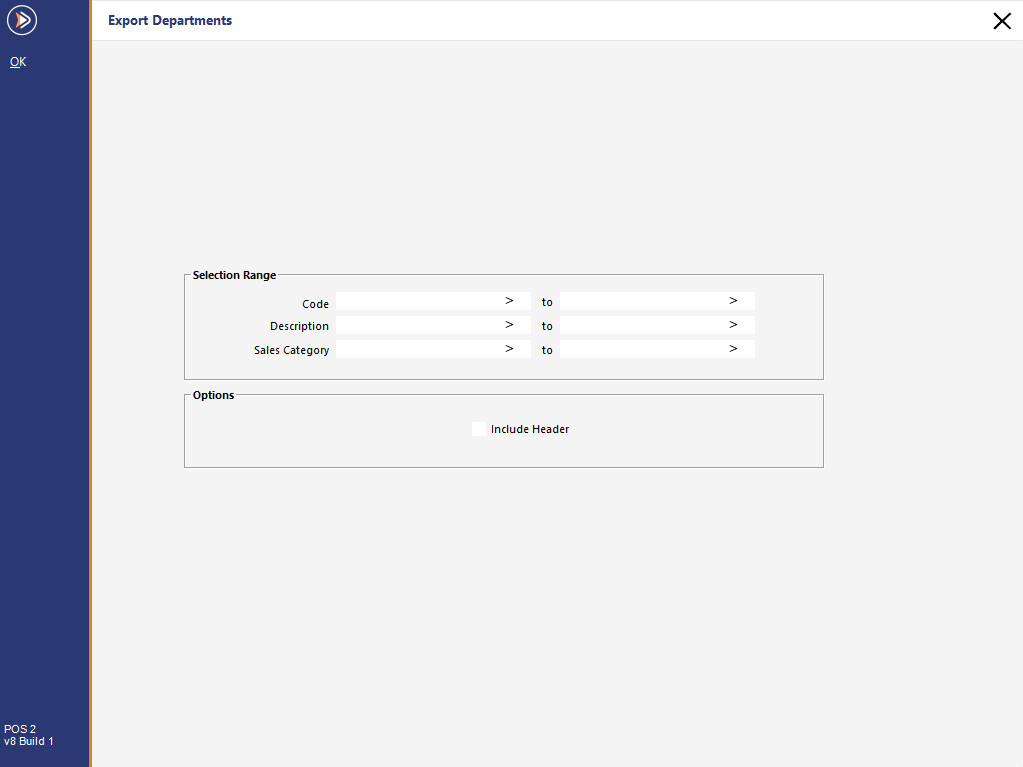
Departments can be exported for use in many programs that allow for data to be imported directly in the format provided.
Idealpos will export Departments in comma delimited text format (.csv or .txt).
Selection Range
Select the departments you want to export using the Code, Description and Sales Category range selections.
If you want to export all departments in the database, leave these fields blank.
Options
Include Header - Will include the header of the relevant field that has been exported.
Metcash Interface (Metcash Basic or Metcash Advanced)
Idealpos v10 Build 3 or newer - When the Metcash Interface is enabled in the Licence Gateway, the exported Department data will include the Metcash Linking Fields.
I.e. MetcashDepartment, MetcashCategory, MetcashCommodity, MetcashSubCommodity.
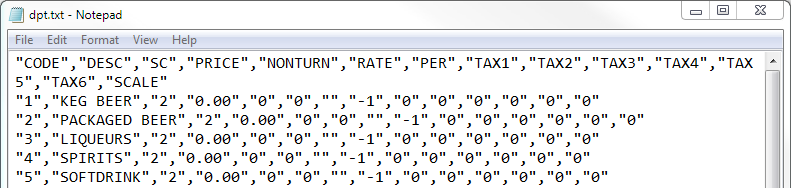
An example of an exported Department with Metcash Linking Fields shown below.
"CODE","DESC","SC","PRICE","NONTURN","RATE","PER","TAX1","TAX2","TAX3","TAX4","TAX5","TAX6","SCALE","GLCODE","METCASHDEPARTMENT","METCASHCATEGORY","METCASHCOMMODITY","METCASHSUBCOMMODITY"
"205","SOFT DRINK","2","0.00","0","0","","-1","0","0","0","0","0","0","","6","64","1","99"