Click on one of the following links to skip to the required section:
To accrue points, add the IGT Member to a sale by scanning their card or manually entering their card number.
When manually entering a card number, the ";" character will need to be entered prior to the card number (provided that the "Trigger Card Swipe manually using [ ; ] Prefix" has been enabled when this interface was configured in Global Options).
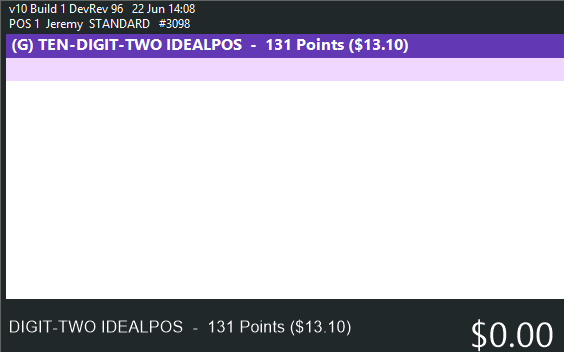
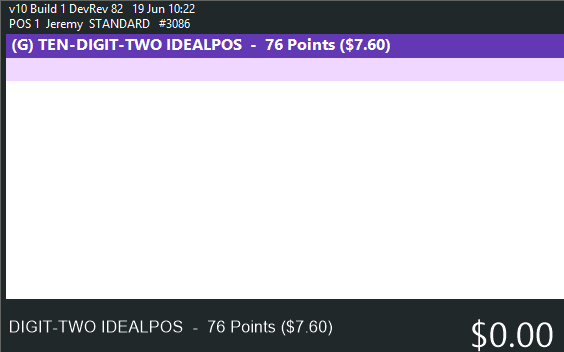
The customer's details are displayed with their current points balance.
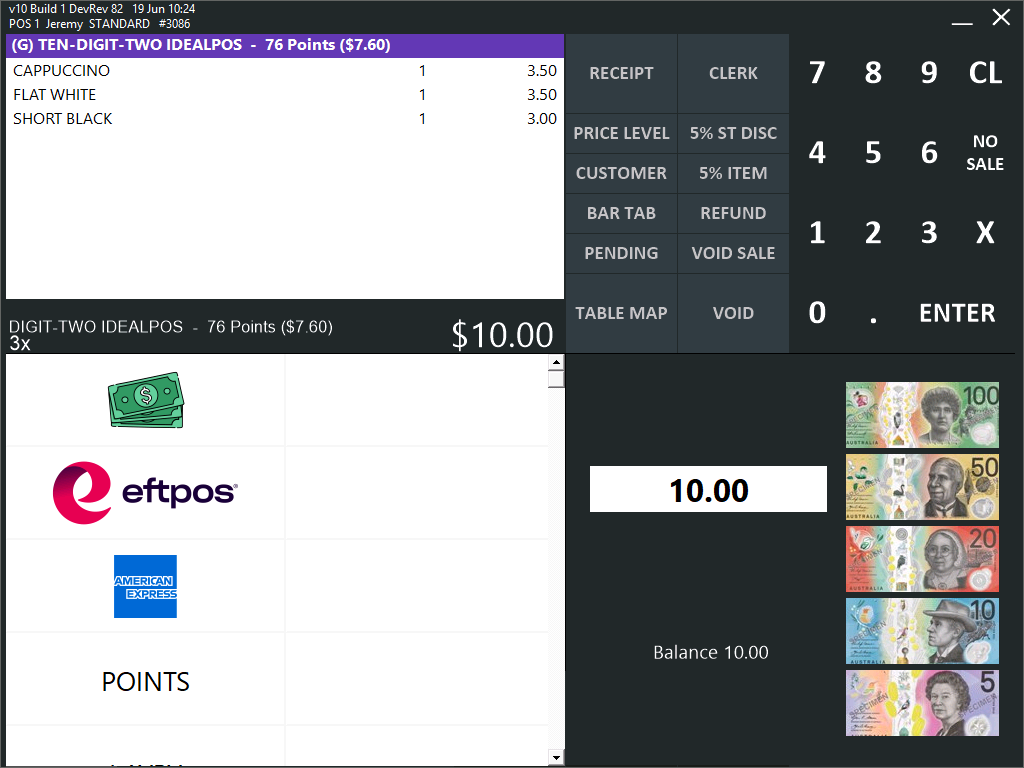
Add the required items to the sale > Press Enter > Tender the sale.
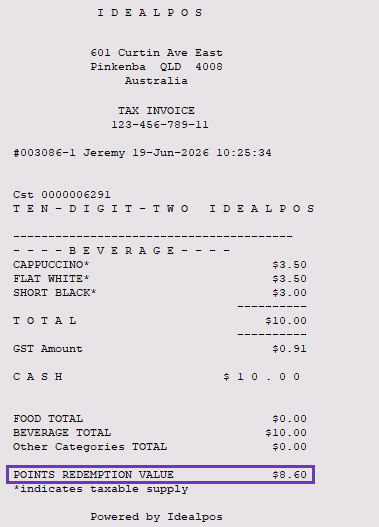
The customer's updated points balance will be displayed on their receipt.
The next time the IGT Member is added to a sale, their updated points balance will be displayed.
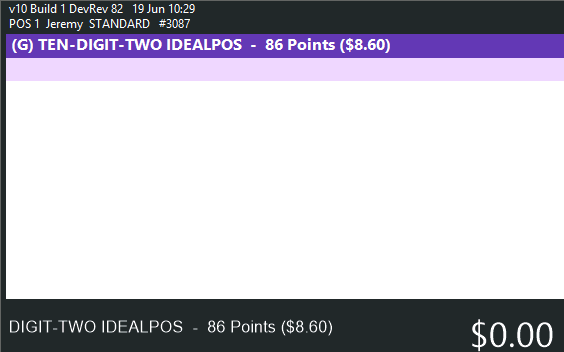
To redeem points, add the IGT Member to a sale by scanning their card or manually entering their card number.
The customer's details are displayed with their current points balance.
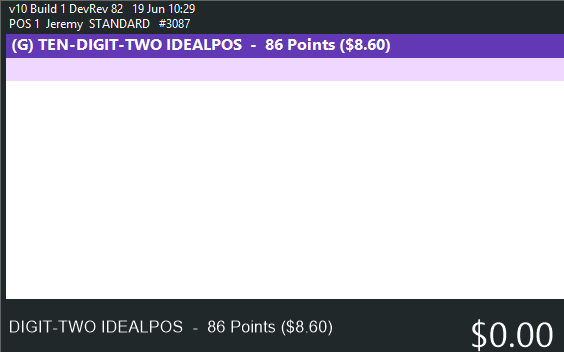
Add the required items to the sale > Press Enter > Tender the sale using the IGT Points Tender.
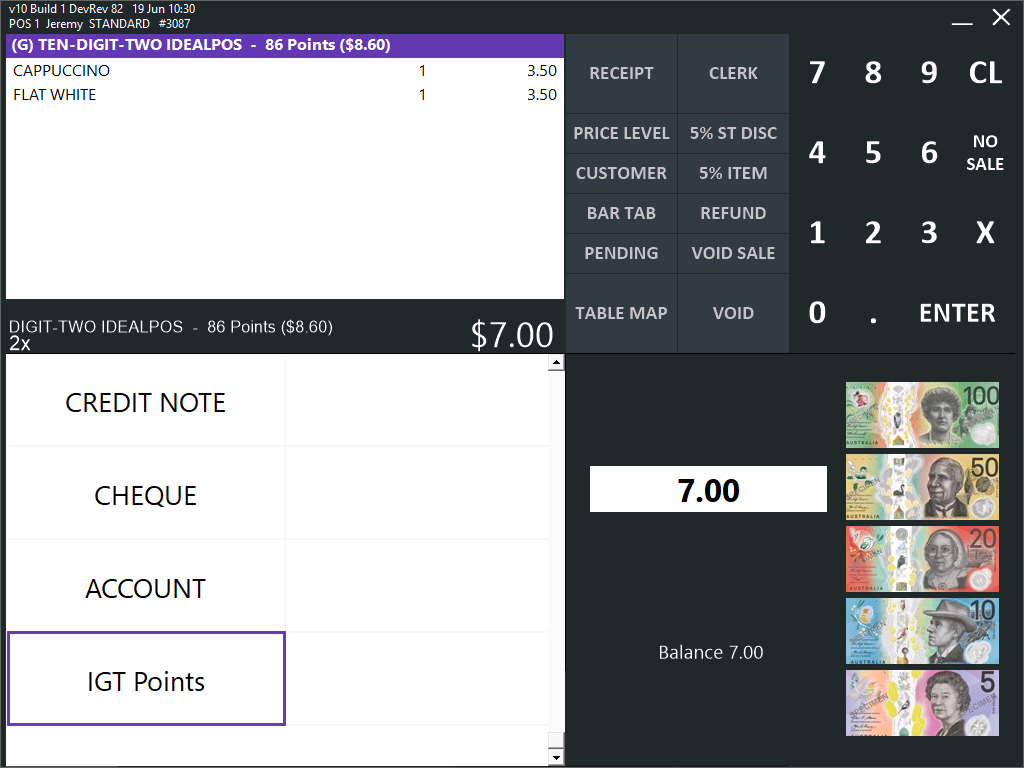
The customer's points balance will be reduced by the redeemed value.
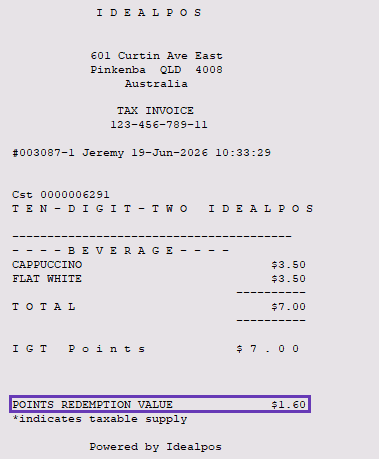
The new points balance will appear on the receipt.
The next time the IGT Member is added to a sale, their updated points balance will be displayed.
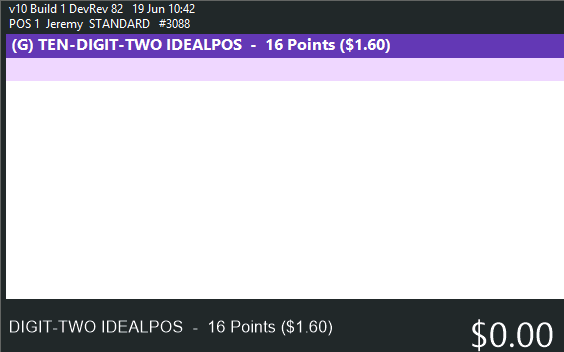
When performing a refund (press the "Refund" button > add item to sale > select a Refund Reason > Tender to the IGT Points Tender), the value will be refunded as points.
To perform a refund, add the IGT Member to a sale by scanning their card or manually entering their card number.
The customer's details are displayed with their current points balance.
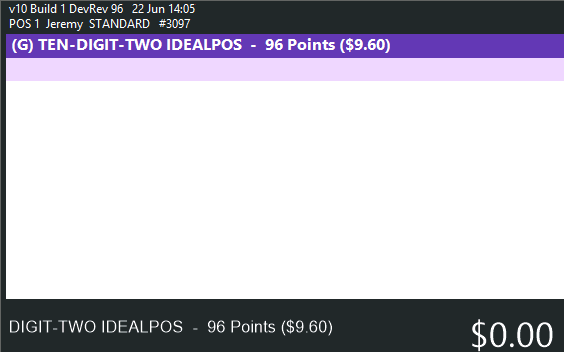
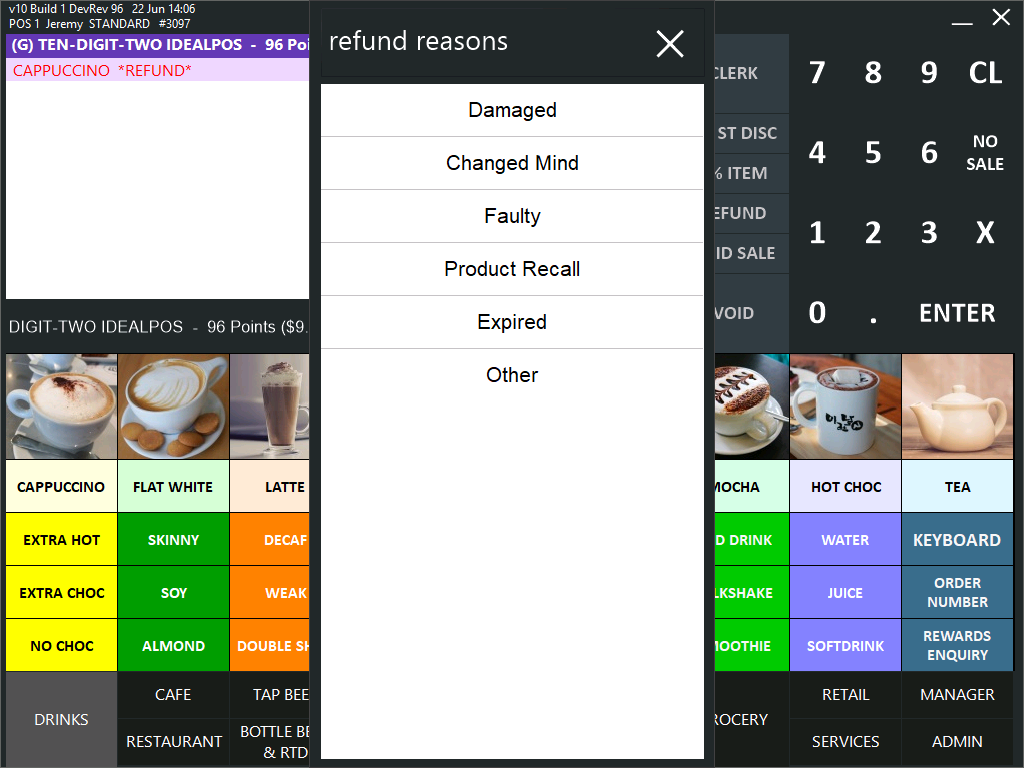
Press the "Refund" button, then scan/add the item to the sale > select a reason for the refund.
Press the ENTER button > select the IGT Points Tender.
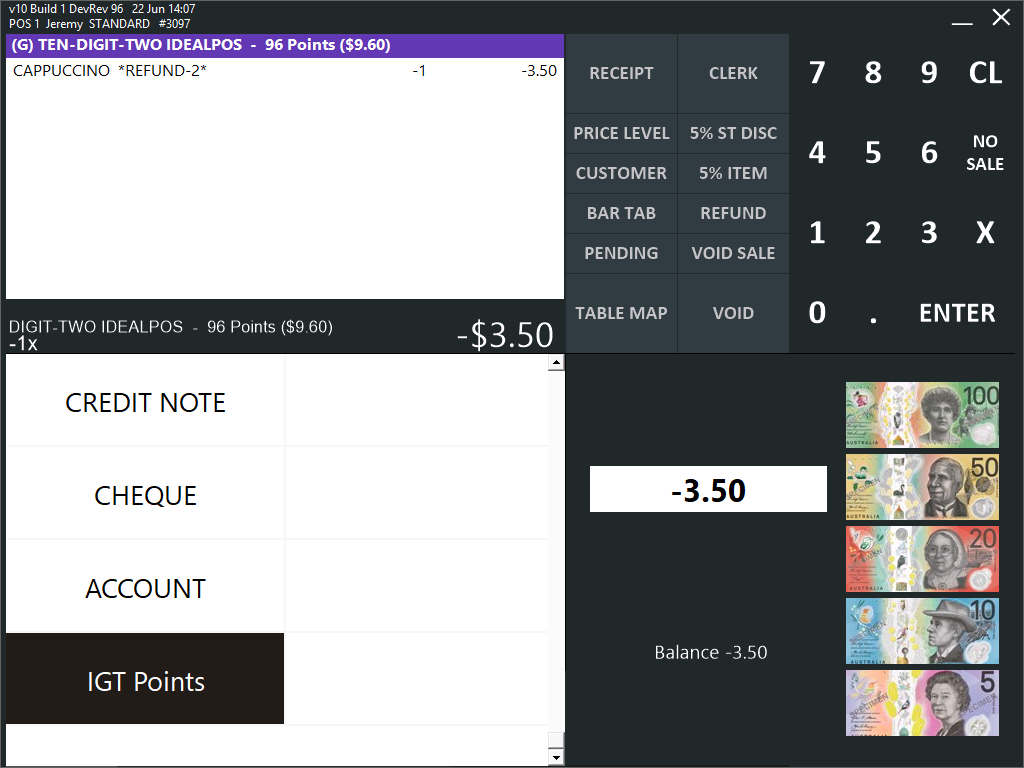
The value of the item is refunded as points and the points balance will increase by the refunded value.
The new points balance will appear on the receipt.
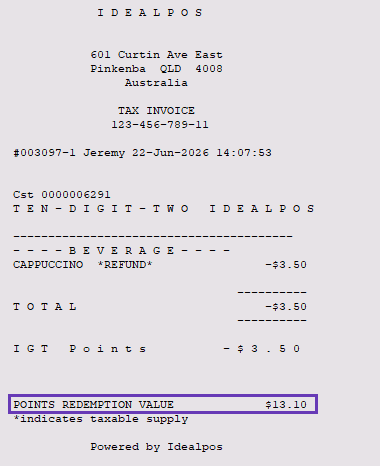
The next time the IGT Member is added to a sale, their updated points balance will be displayed.