Idealpos facilitates the exporting of various data values that may be useful in other programs or used in your own records.
When exporting data, there are no changes made to the live database but all exporting is recorded.
Depending on your business security this may be an option that you don’t want to allow all staff to have access to.
Tip!
Idealpos also supports the Automatic Export of data.
Automatic Data Exports are configured via Back Office > Setup > POS Terminals > Select a Terminal > Modify > Import/Export tab.
For more information, refer to the Import/Export page within the POS Terminal Settings topic.
You can access the Export menu by going to Utilities > Export Data.
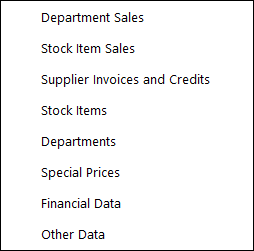
The data that you can export is broken down into nine different headings.
These are as follows:
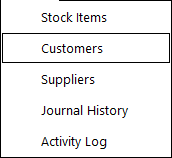
It is also possible to Export Customers from the database through the Enquiry Menu.
Go to Enquiry > Customers > Export.

Listings and Reports can be exported when all selections have been made from the selection menu and the report is viewed.
Go to Listings or Reports > Make selections > View > Export.